
Vblink Download iOS
Learn how to use Vblink 777 on iPhone and iPad, access your account through a mobile browser and get started without installing an Android APK.
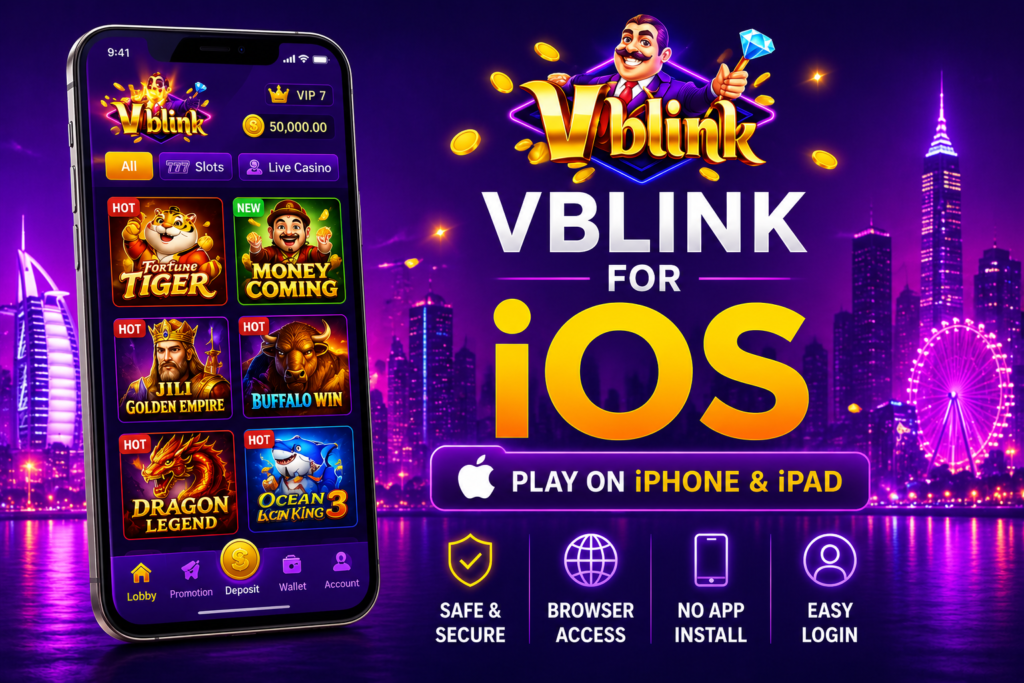
Use Vblink 777 on iPhone
Everything you need to know before accessing Vblink on iOS.
If you are searching for Vblink download iOS, the installation process is different from Android. iPhones cannot install APK files because APK is an Android package format. Instead, Vblink can be accessed through a compatible mobile browser when a browser-based version is available.
Open Safari, visit the appropriate Vblink access page and sign in using your account details. This approach does not require an APK file or additional Android software.
Ready to Open Vblink on iPhone?
Use the iOS access option to continue from your iPhone or iPad browser.
Vblink iOS Overview
| Platform | Vblink 777 |
| Supported Devices | iPhone and iPad |
| Access Method | Web Browser |
| Recommended Browser | Safari |
| APK Installation | Not Supported on iOS |
| Account | Required for account-based features |
Can You Download Vblink on iPhone?
The Android version of Vblink uses an APK file, but an APK cannot be installed on an iPhone or iPad. Apple devices use a different application system. If Vblink is offered through a browser-based version, you can access it directly through Safari instead.
This means there is no need to download an Android APK onto your iPhone. Simply use the supported Vblink web access method and enter your account details when prompted.
How to Open Vblink on iPhone
Follow these simple steps to access Vblink from an iOS device.
Open Safari
Launch Safari or another current browser on your iPhone or iPad.
Visit Vblink
Open the trusted Vblink website or the access link provided for your account.
Enter Login
Enter your username and password in the appropriate account fields.
Tap Login
Submit your details and wait for the account page to load.
Start Using Vblink
Once signed in, you can access the features available through the browser version.
Do You Need a Vblink iPhone App?
Not necessarily. If a dedicated iOS application is not available for your device or region, browser access is the simpler option. You can open Vblink through Safari without installing an Android APK or additional software.
How to Get a Vblink Account
An active account may be required for login-based Vblink features. Account creation and access procedures can vary depending on the service or distributor you use. If you already have a Vblink account, use your existing login details when accessing the platform from an iPhone.
Which Apple Devices Can Use Vblink?
Browser access is available on commonly used Apple devices when supported by the current Vblink web version.
iPhone
Open Safari and access the supported Vblink web page directly from your iPhone.
- iPhone
- iPhone Plus
- iPhone Pro
- Current iOS browser
iPad
iPad users can also use a compatible browser to access the web version when supported.
- iPad
- iPad Air
- iPad Pro
- Updated Safari
Browser Access
No APK file is needed for browser-based iOS access. A stable internet connection is recommended.
- Safari
- Modern mobile browsers
- Stable internet
- Updated device software
Why Use Vblink Through a Browser?
Tips for Using Vblink on iOS
Keep your account and device protected while accessing Vblink through a browser.
Vblink iOS Frequently Asked Questions
Common questions about using Vblink 777 on iPhone and iPad.
Which browser should I use for Vblink on iPhone?
Safari is a convenient option because it comes installed on iPhone and iPad. Other current browsers may also work when they support the Vblink web version.
Is there an official Vblink iPhone app?
App availability can vary. If a dedicated iOS app is not available, the browser version provides an alternative way to access the platform.
Can I install the Vblink APK on an iPhone?
No. APK files are Android application packages and cannot be installed directly on iPhone or iPad. iOS users should use the supported browser access method instead.
Can I use the same Vblink account on Android and iPhone?
If your account is supported across devices, you can use the same login credentials when accessing the platform from another supported device.
Do I need to install anything on my iPhone?
Browser-based access does not require an Android APK or additional Android software. Open the supported Vblink page directly through your mobile browser.
Can I use Vblink on an iPad?
Vblink browser access can be used on compatible iPads when the current web version supports the device and browser.
Why does the Vblink APK not work on iOS?
APK files are built for Android. iPhones use Apple’s iOS application system, so an Android APK cannot be installed directly on an iPhone.
Where can I find the Vblink web version guide?
Visit our Vblink 777 Web Version guide for additional information about accessing Vblink through a browser.
Access Vblink 777 on iOS
iPhone and iPad users can check the supported browser access option instead of trying to install an Android APK.