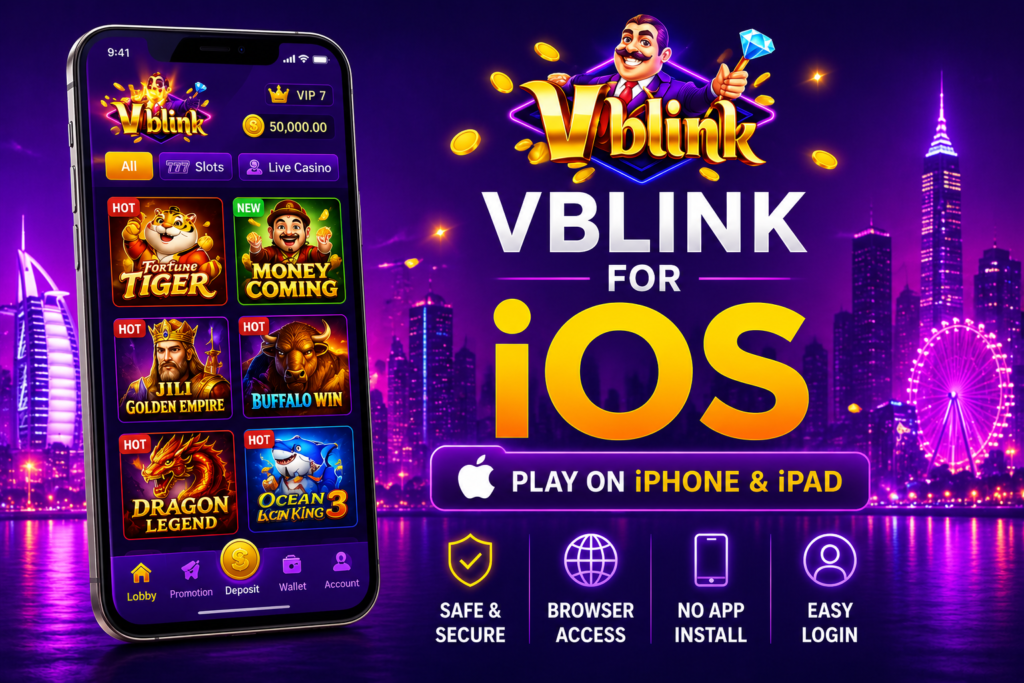
Vblink on iPhone at a Glance
- Works on iPhone and iPad
- No APK installation is required
- Open it directly in Safari or another browser
- Use your existing login details
- No need to download extra software
If you have an iPhone and are searching for Vblink download iOS, you might wonder whether there is an app you can install like the Android version. The answer is a little different for Apple users.
iPhones do not support APK files, so you cannot install the Android version of Vblink on an iOS device. Instead, most users access Vblink through their mobile browser. It only takes a few minutes to log in, and you don’t need to install any extra files on your phone. You can also explore our Vblink 777 Web Version guide to see how users access the platform online without installing the application.
In this guide, we’ll explain how to Vblink download iOS, how to log in, and a few simple tips to make the process easier.
Quick Overview
| Feature | Details |
|---|---|
| Platform | Vblink |
| Supported Devices | iPhone, iPad |
| Installation Required | No |
| Access Method | Web Browser |
| Recommended Browser | Safari |
| Account Needed | Yes |
| APK Support | No |
Can You Download Vblink on iPhone?
This is one of the most common questions from new users.
The Android version of Vblink comes as an APK file, but Apple devices don’t allow APK installation. Because of that, you won’t be able to install the Android app on your iPhone.
Instead, you can open the platform in your browser and sign in with your account. For most people, this is the easiest and quickest way to get started.
How to Open Vblink on an iPhone
Using Vblink on iOS is simple.
- Open the Safari browser on your iPhone.
- Visit the official Vblink website or the access link provided by your distributor.
- Enter your username and password.
- Tap the login button.
- Your account will open, and you can continue using the platform.
You don’t have to install anything before signing in.
Do You Need an App?
Not really.
Many users expect to find Vblink in the Apple App Store, but in most cases, the platform is accessed through a web browser instead.
This also means you don’t have to worry about downloading updates or using extra storage on your phone.
How to Get a Vblink Account
Before you can log in, you’ll need an active account.
Most players get their login details from a trusted Vblink distributor or gaming agent. Once your account is created, you’ll receive a username and password that you can use on both Android and iPhone.
If you already have an account, the same login details usually work on different devices.
Why Doesn’t the APK Work on iOS?
APK files are made for Android phones only.
Apple uses a completely different system, so iPhones cannot read or install APK files. This is why downloading an APK on an iPhone won’t work.
The browser version is the recommended option because it is compatible with iOS and doesn’t require any installation.
Which Apple Devices Can Use Vblink?
The browser version works on most modern Apple devices, including:
- iPhone
- iPhone Plus
- iPhone Pro
- iPad
- iPad Air
- iPad Pro
As long as your device has an updated browser and a stable internet connection, you should be able to access your account without any problems.
Tips for a Better Experience
A few simple habits can help keep your account safe.
- Always use the official website or a trusted access link.
- Never share your username or password with anyone.
- Avoid logging in on public Wi-Fi whenever possible.
- Keep Safari updated for the best performance.
These small steps can help prevent login issues and improve your overall experience.
Final Words
If you’re looking for Vblink iOS download, remember that iPhones don’t support Android APK files. The easiest way to use the platform is by opening it in Safari and signing in with your account.
The process is simple, doesn’t require installation, and works on most iPhones and iPads. As long as you use a trusted access link and keep your login details secure, you can access your account without any extra setup. To learn more about the platform, its features, and how it works, check out our complete Vblink777 guide.
Frequently Asked Questions
Which browser should I use?
Safari is the best choice because it comes pre-installed on every iPhone, but other modern browsers also work.
Is there an official iPhone app?
Availability may vary. If an app isn’t available, you can simply use the browser version.
Can I install the Vblink APK on my iPhone?
No. APK files only work on Android devices. iPhone users should use the browser version.
Can I use the same account on Android and iPhone?
Yes. In most cases, the same login credentials work on both devices.